
Resources
Everything the system does, in writing.
We publish the complete functional documentation and keep the API reference open, with no key required. This is where you can check that every sentence on this website holds up. How it all fits your operation is something you see in an evaluation session prepared for your case.
Product brochure
The essentials in eight pages, with real screenshots. To share with your team.
PDF · 5.0 MB
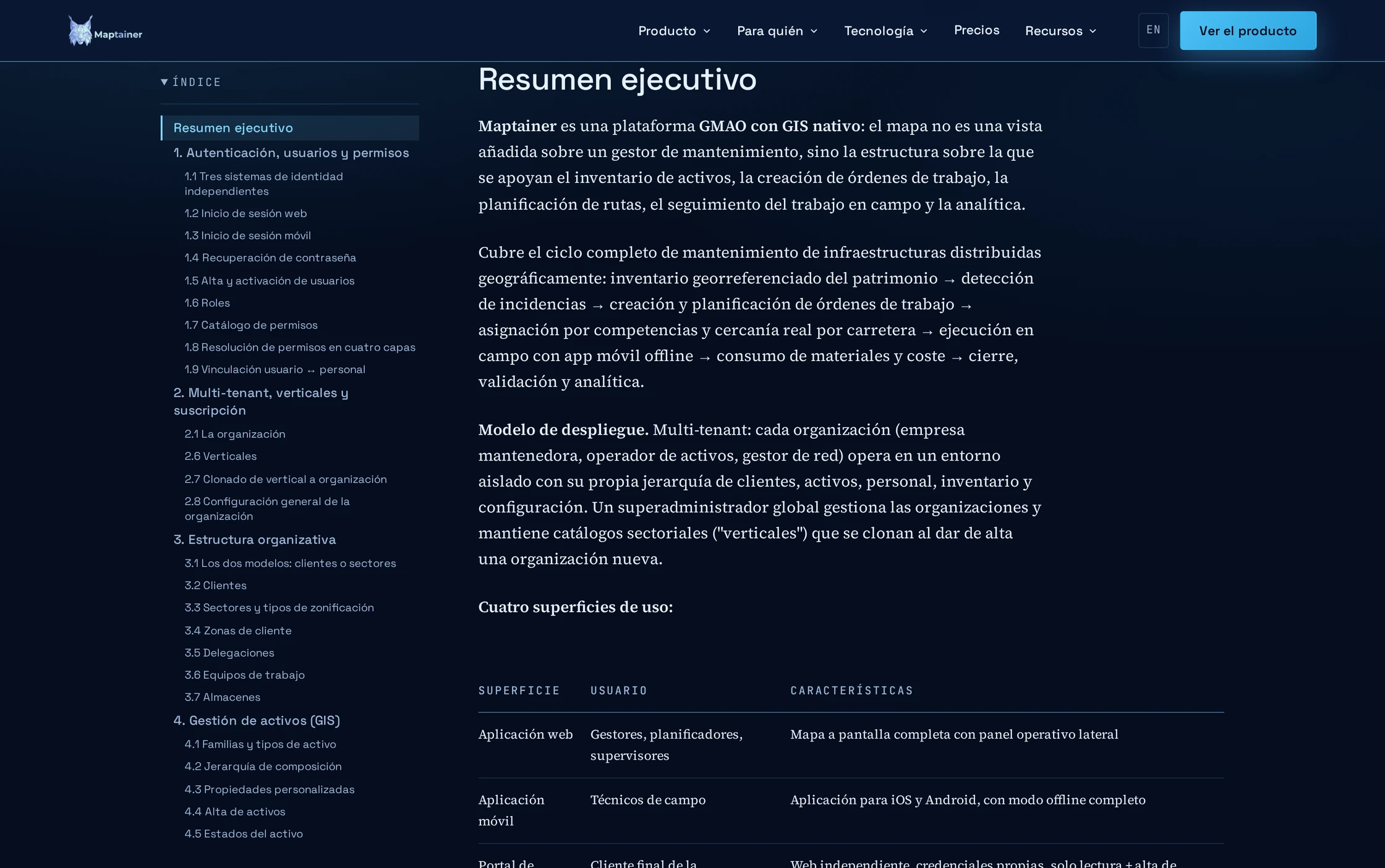
Functional documentation
Exactly what the system does, before the demo.
User manuals
Step-by-step guides to every module, with real screenshots.
Blog
Articles on maintenance, GIS and operations.
Glossary
Industry terms, defined without the hype.
What is a CMMS
The reference guide, from scratch.
Where to start
Depending on what you need to decide.
- If you need to present it internally Download the product brochure: eight pages with the essentials and real screenshots, to send to management or your team.
- If you're responsible for operations Start with the functional documentation: what each module does, how a work order is assigned and what works without coverage.
- If you'll be using it every day Go to the user manuals: how each task is done, step by step, with screenshots of the application.
- If you're evaluating the architecture Go to the API reference and the architecture. That's where the technical foundations are, not the adjectives.
- If you're comparing CMMSs Read what a CMMS is and the glossary. They help you ask the right questions, whoever you're asking.
Also
The API reference, with no key required.
The public API documentation is generated from the code and can be browsed in Swagger and ReDoc without credentials. You can review the contract before signing anything.
Last updated:
Checked it? Then let's talk about your case.
And if there's a question the documentation doesn't answer, tell us: it's the first thing we want to know.