
Half the morning answering emails from customers asking how a job is going.
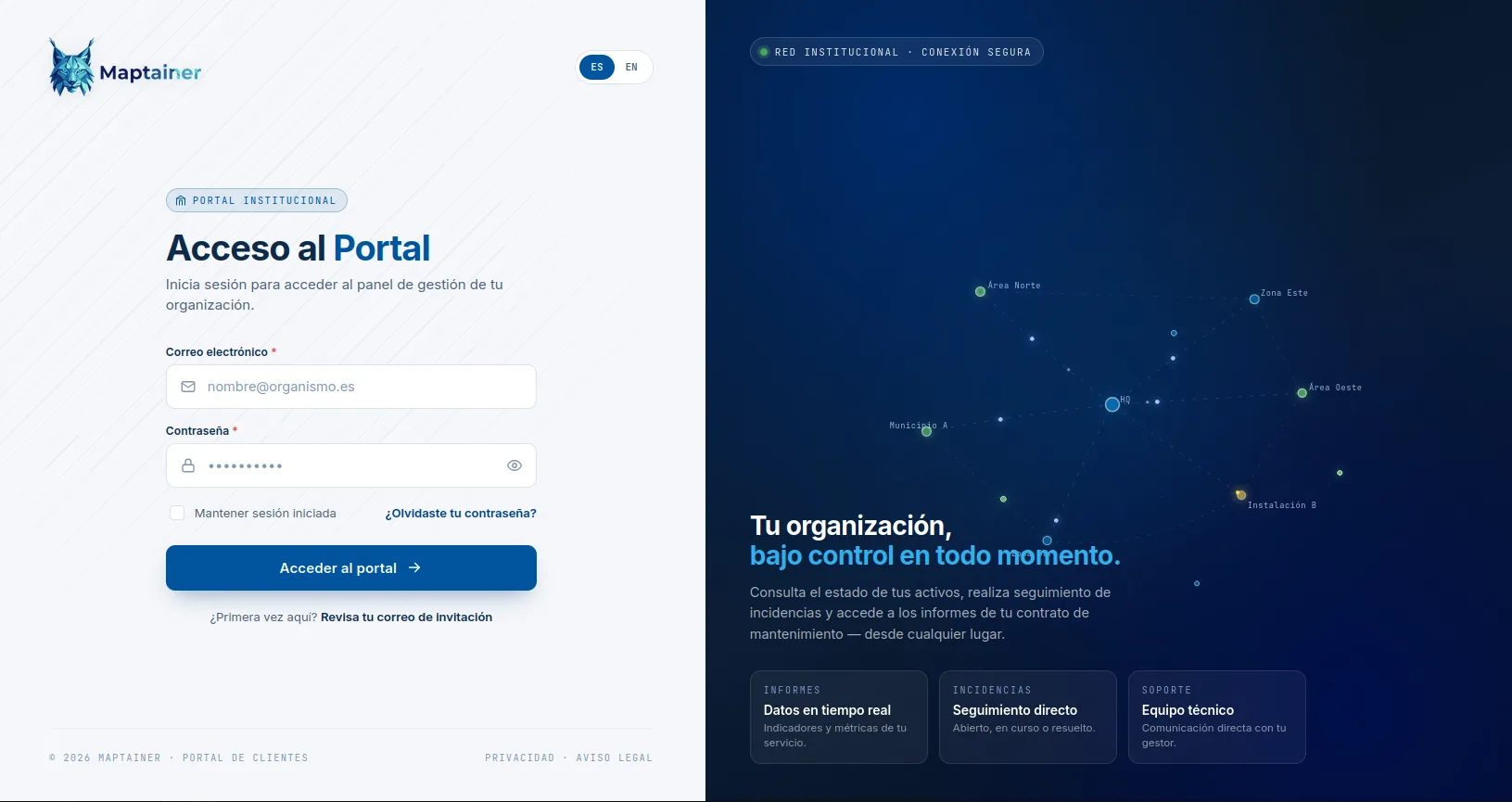
"Was the inspection done?" "Can you send me this month's report?" "There is a leak near the warehouse." Every email means a search, a PDF and a call to the technician. With the portal, your customer logs in, sees their assets on the map, the status of their work orders and how their SLA is tracking, and opens incidents already pinned to a location. You stop being the supplier who sends PDFs.
What stops happening to you.
- You stop preparing the report nobody reads until something is missing. Your customer checks their work orders, with status, dates and evidence of the work done, whenever they want, without waiting for you to send it.
- You stop receiving reports you have to go and investigate. The incident arrives with the point selected on the map and the photographs attached, instead of as an email saying "there is a leak near the warehouse". And if it is high or critical, it comes in with its alert, without waiting for someone to open the inbox.
- You stop arguing about deadlines from memory. The customer sees the committed deadlines and how compliance is going, when the SLA management add-on is active. The conversation starts from the same data on both sides.
- You reach the renewal with something to show. When a contract comes up for renewal, the sense of control weighs as much as price. A customer who sees where their assets are, what was done last week and with what evidence argues less.
Their scope, and only theirs.
- Their assets on the map With the same maps your team uses, limited to their own asset base.
- Their work orders Status, dates and evidence of the work done.
- Their incidents With their status history.
- Their SLA The committed deadlines and how compliance is going, when the SLA management add-on is active.
- Their dashboard A dashboard of their own, not a copy of yours.
The portal is not a cost: it is part of what you sell.
Each customer has their own logo on their portal, so the tool reinforces your service instead of reminding them there is a third party involved. What they see is the service you provide.
Not a user of your system with trimmed-down permissions.
The portal user belongs to an independent identity system: its own table, its own login flow and its own session lifecycle. It shares no credentials with your staff and cannot end up seeing what it should not because of a misconfigured permission.
Each customer also has their own roles within the portal, to tell apart people who only view from people who can open incidents. And inventory governance stays with your organisation: the customer views and logs incidents, but does not modify assets.
Explicit sizing.
- Customer portals Number of customers with a portal enabled.
- Users per portal Number of people at each customer with access.
- Mobile access The portal can be used from the phone's browser.
Frequently asked questions
Is the portal included in the base price?
Can the customer modify their assets?
Last updated:
Do you maintain assets for several customers?
Tell us how many customers you have, how many assets you maintain and how they ask you for information today. With that, we can tell you whether the portal makes sense for you.